Where the entries are
Where can I find my entries?
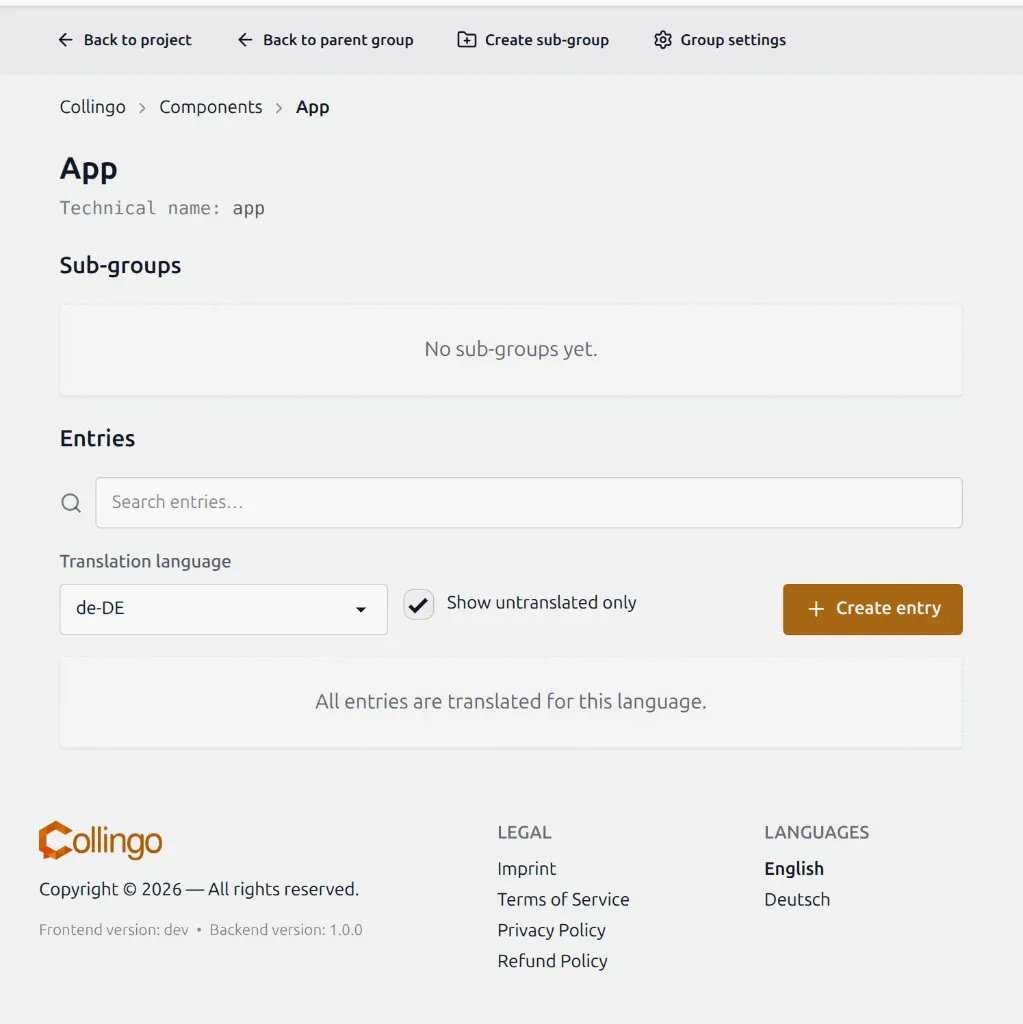
Section titled “Where can I find my entries?”Entries are shown on the group page, in the entry editor below the list of sub-groups.
They are not listed on the project page itself — open a group first.
Tips:
- Use the language selector to see translations for a specific language.
- Enable Show untranslated only to find missing translations. If every entry already has a translation for that language, the list is empty and Collingo tells you that all entries are translated.
- Use search to filter by technical name or base term.