
Create entries
Add your first entries
Section titled “Add your first entries”Entries live inside a group. Open a group from your project page (or navigate via the breadcrumb).
On the group page you see:
- Sub-groups (if any)
- The entry editor for terms in this group
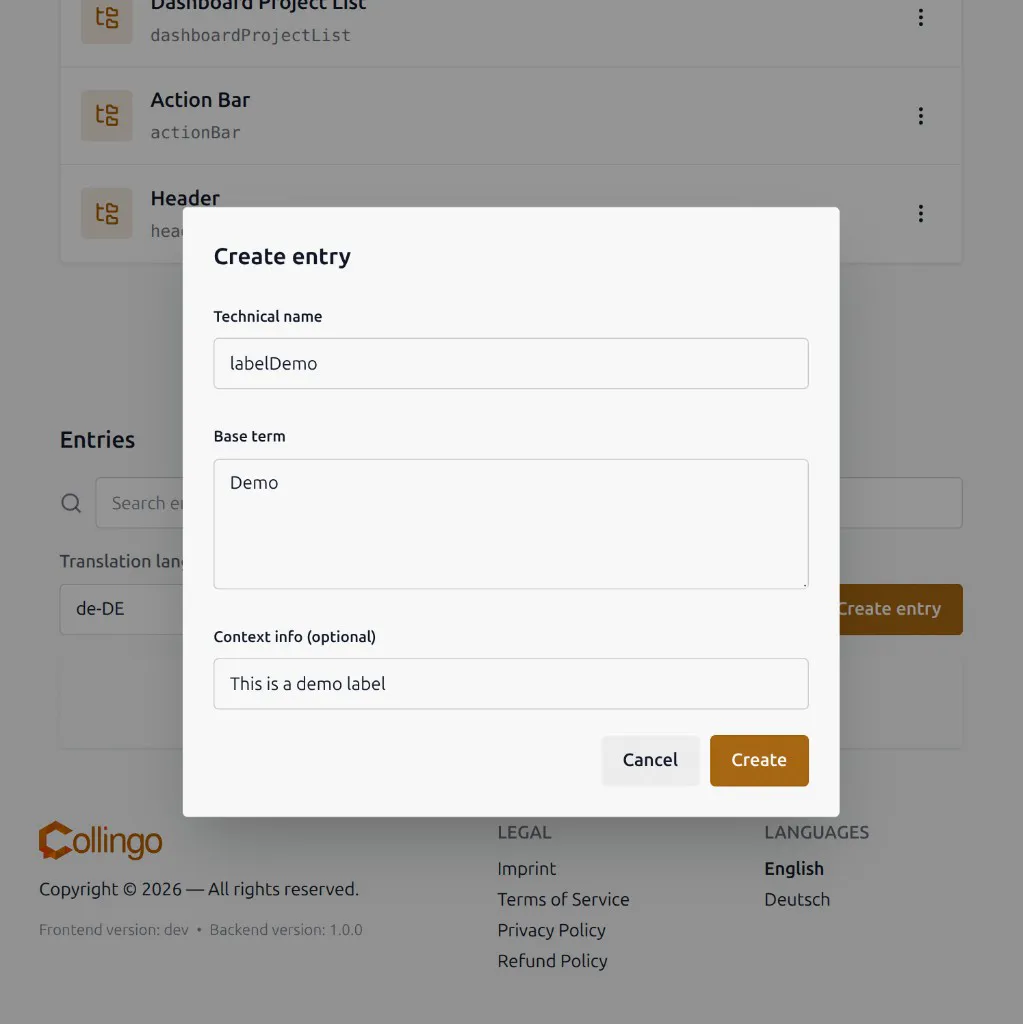
Click Create entry. The dialog asks for:
- Technical name — the key used in your code and exports (at least 4 characters, camelCase-style; see Technical Names)
- Base term — the text in the project’s base language
- Context info (optional) — a short hint for translators (for example where the string appears in the UI)
After creating the entry, it appears in the entry list. You can then translate it.
More detail: Creating entries, What are entries?.