
Creating entries
How can I create entries?
Section titled “How can I create entries?”- Open the group where the entry should live.
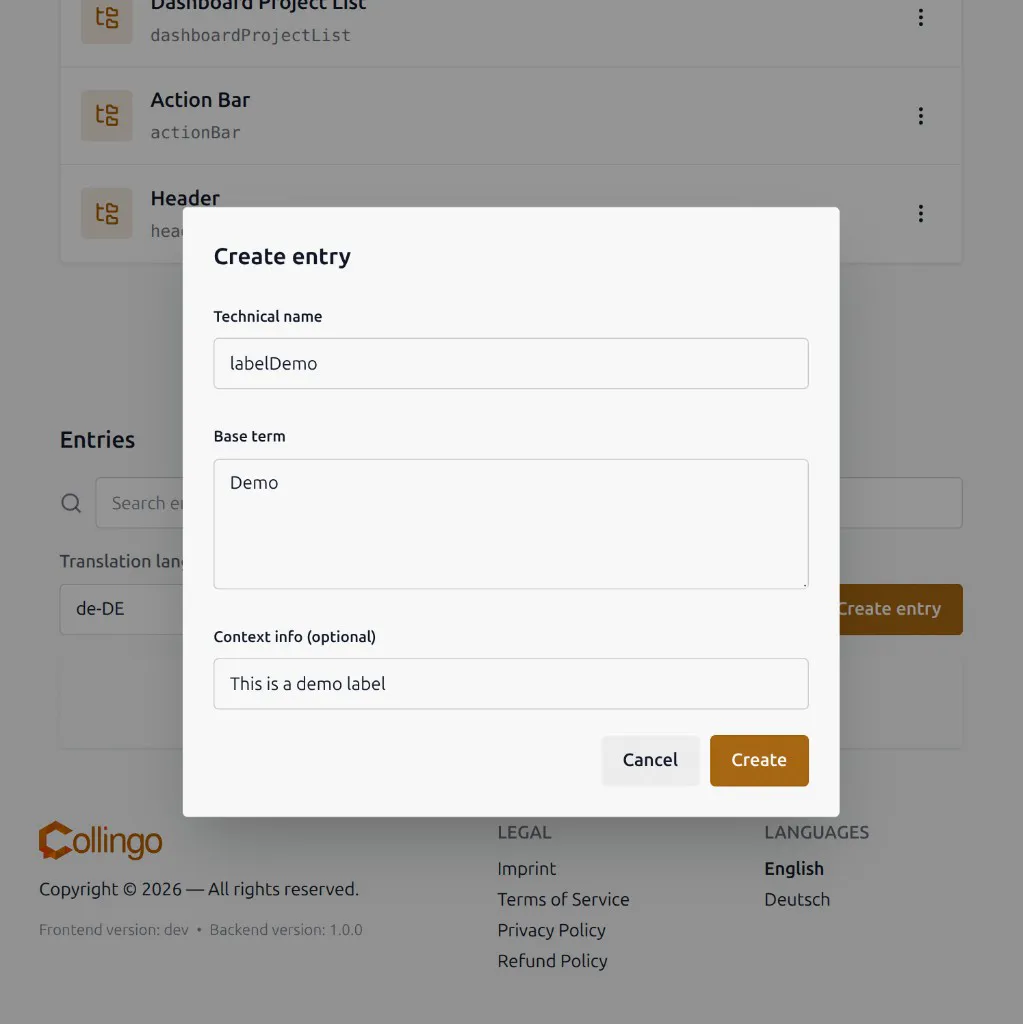
- In the entry editor, click Create entry.
- Enter the technical name, base term, and optionally context info.
- Save.
You need a role that can edit entries (Owner, Admin, or Editor). Translators and viewers cannot create entries.
The technical name must be unique within that group and follow the technical name rules (entries need at least 4 characters).