
Translating entries
How can I translate an entry?
Section titled “How can I translate an entry?”- Open the group that contains the entry.
- Select the target language in the entry editor.
- Click the entry row (or use the translate action) to open Set translation.
- Enter the translation and click Save.
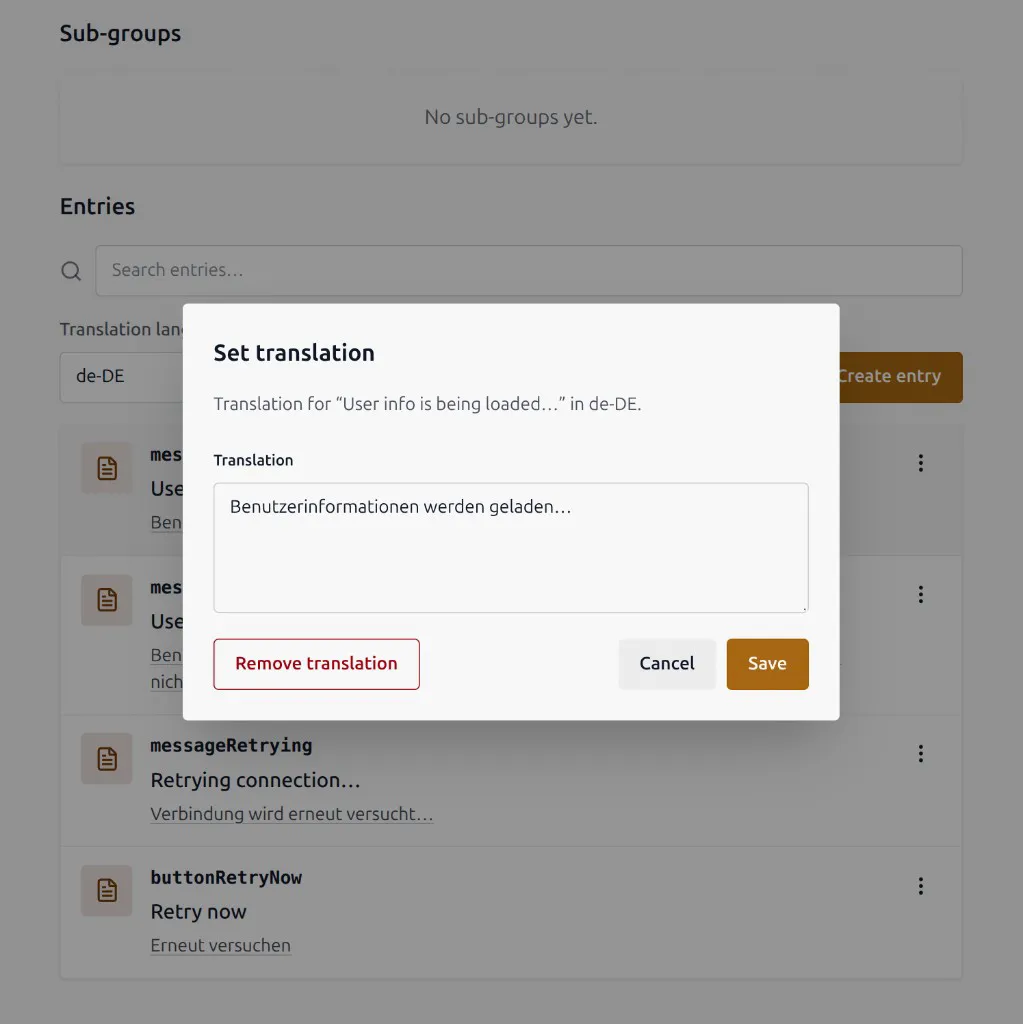
To clear a translation, use Remove translation in the same dialog.
Roles that can translate: Owner, Admin, Editor, and Translator. Viewers can only read.
If no translation languages are configured, add them in project settings.