Create your first project
Create your first project
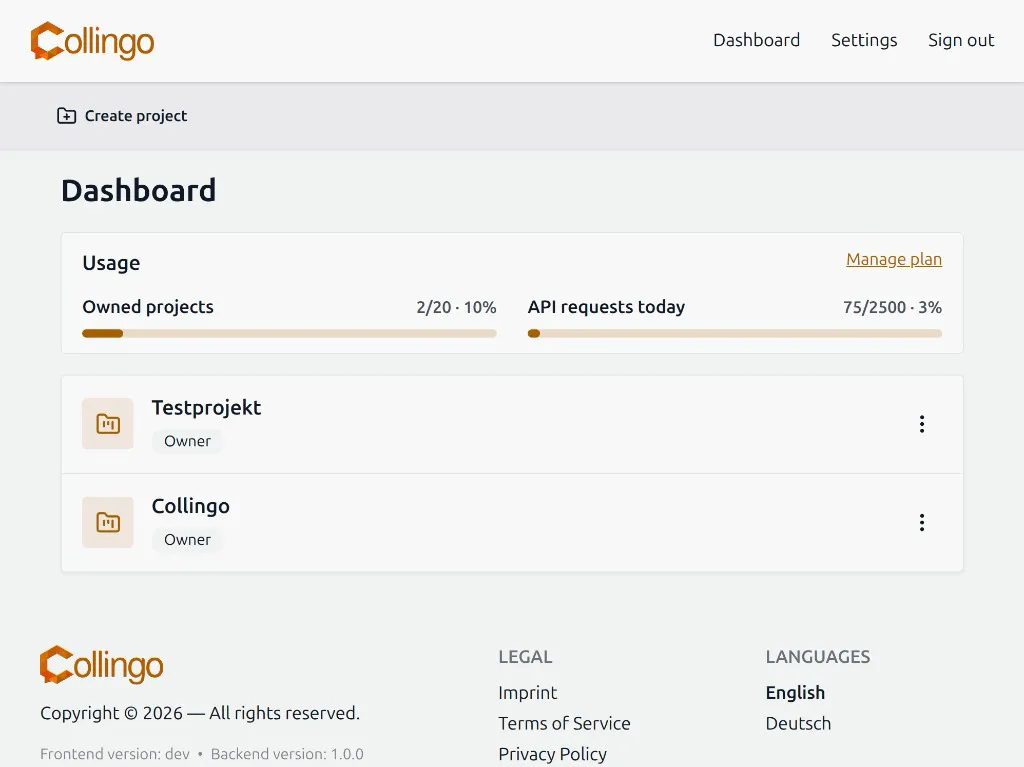
Section titled “Create your first project”After you have signed in, you land on the dashboard. There you can see:
- Your plan and usage (owned projects, members, API requests)
- All projects you own or collaborate on
- Pending invitations (if someone invited you)
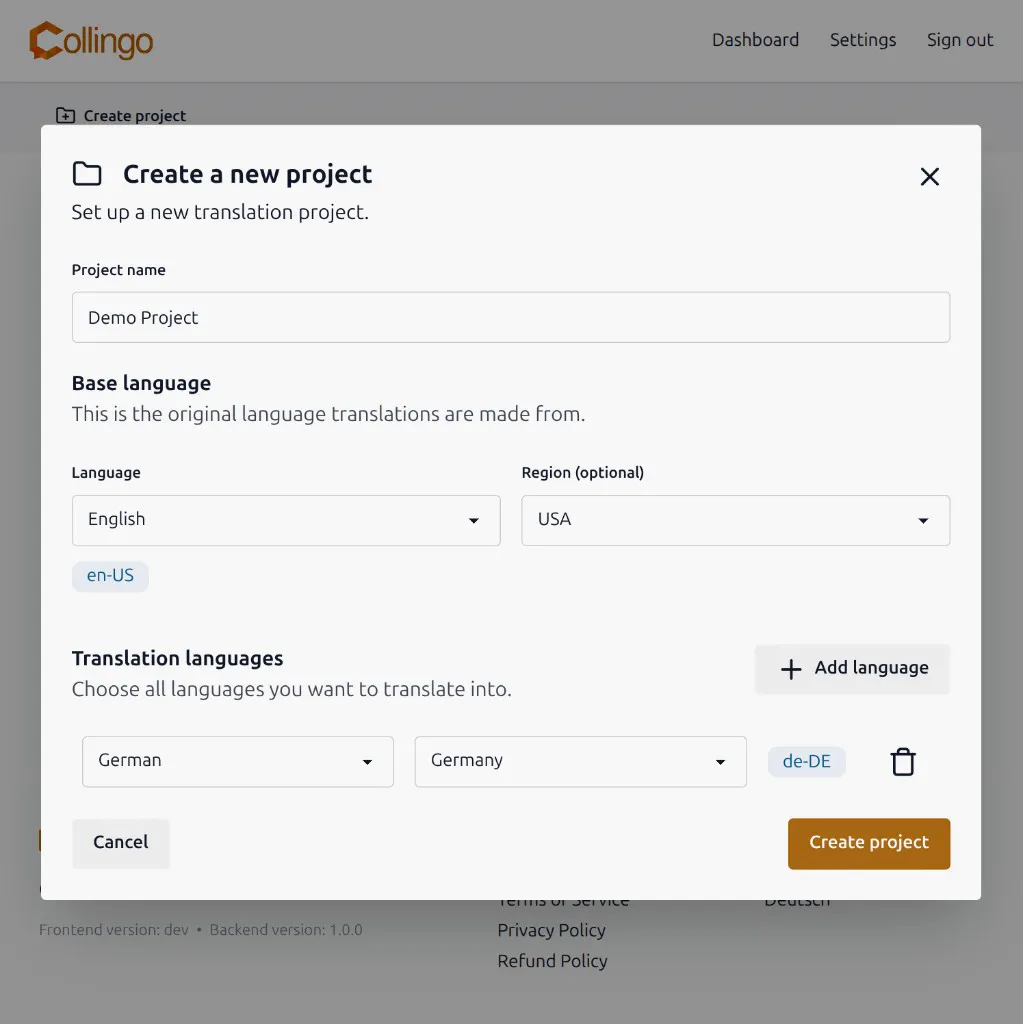
To create a project, click Create project in the action bar. A dialog opens and asks for:
- Name — a readable name for your product (3–32 characters)
- Base language — the main language of your product (fallback when a translation is missing)
- Translation languages — one or more target languages you want to translate into
Select the base language from the list. Collingo shows the language code (for example en-US or de-DE). Add translation languages with Add language in the same dialog.
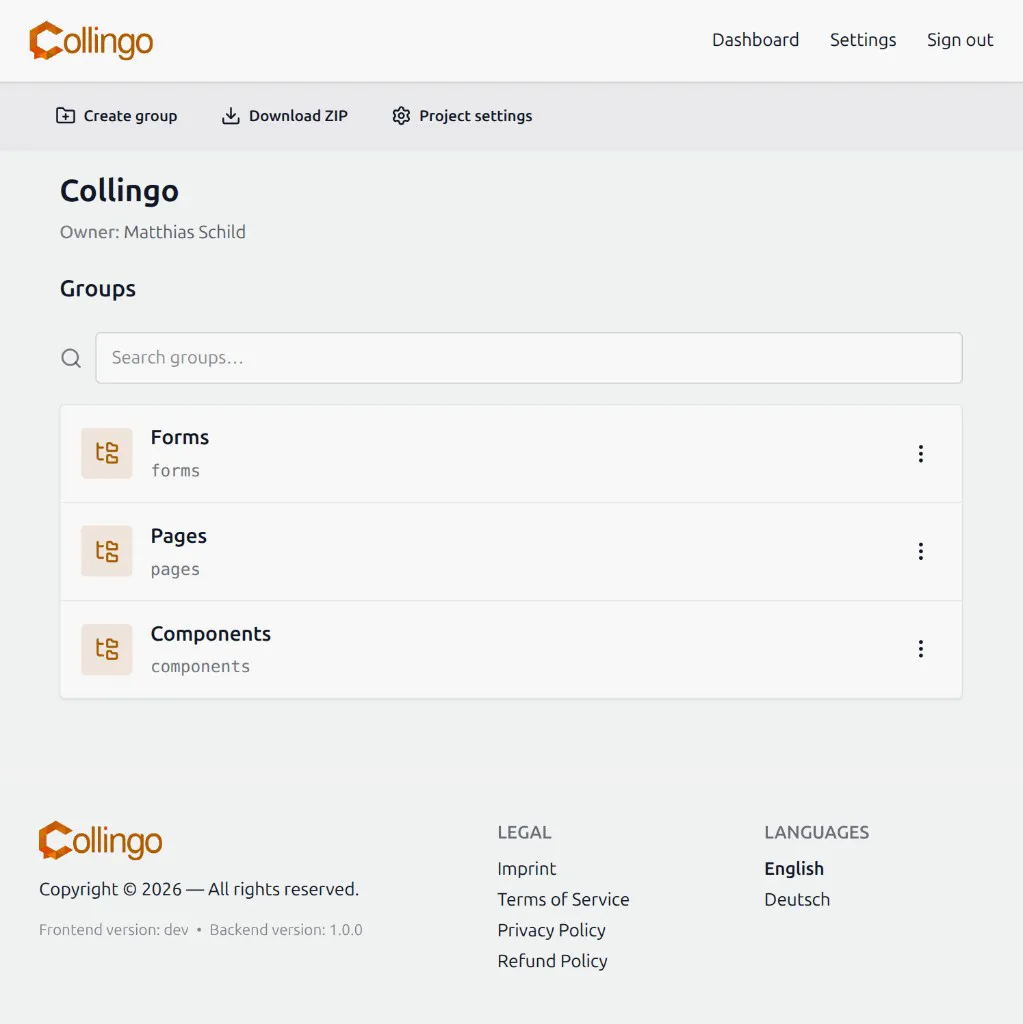
After clicking Create project, you open the project page. There you see the project name, owner, and the list of top-level groups. From the action bar you can Create group, Download ZIP, or open Project settings.